


logo
  • Home
  • Blog
  • Service
  • Dev Tools
  • Innova Games
Get A Quote
Call Us
+91 8910642626

Cookies Consent

This website use cookies to help you have a superior and more relevant browsing experience on the website. Read more...

logo
  • +91 8910642626
  • innovalogicdev@gmail.com
shape
shape
shape

Blog Details

Home Blog Details
image
  • By Sanjay Dey
  • 08 Jul, 2025
  • App Development

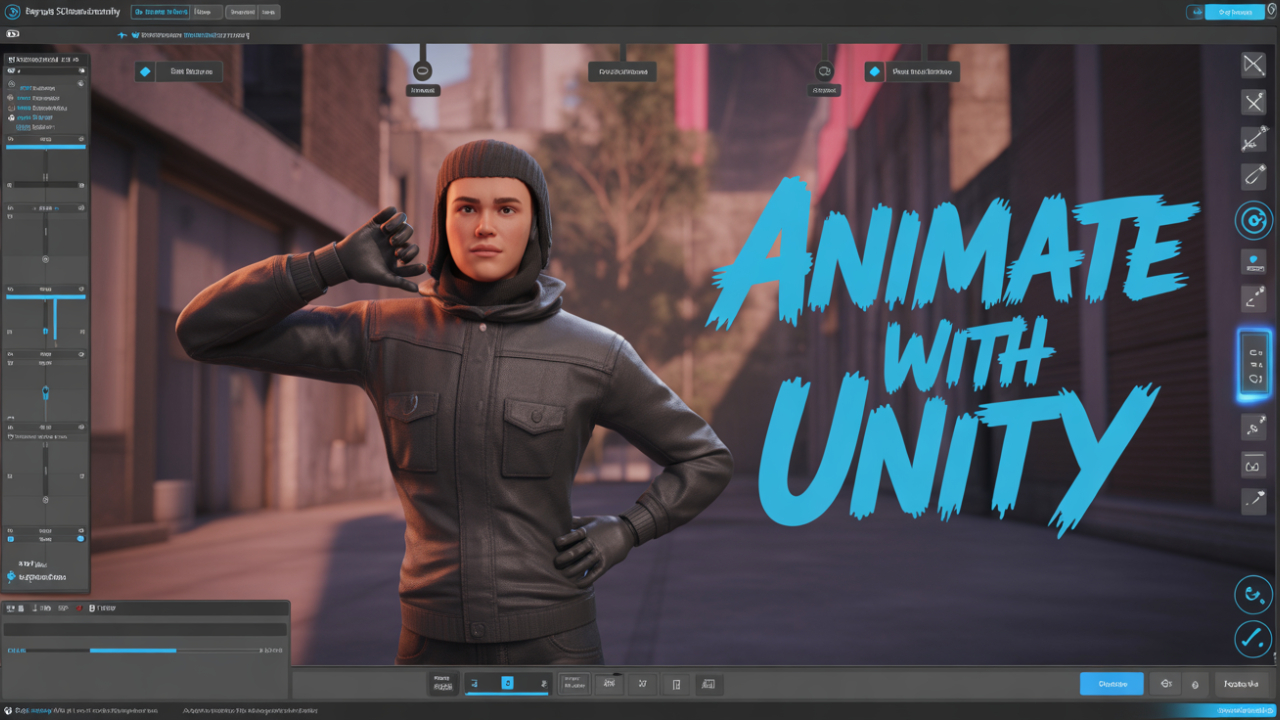
🎬 How to Use Unity to Create a Movie or Animated Video: Step-by-Step Guide

Unity is not just a game engine — it’s a powerful real-time cinematic production tool that is now being used by creators, studios, and solo filmmakers to create stunning animated short films, trailers, music videos, and cinematic cutscenes.

Introduction

Unity is not just a game engine — it’s a powerful real-time cinematic production tool that is now being used by creators, studios, and solo filmmakers to create stunning animated short films, trailers, music videos, and cinematic cutscenes.

From Disney+ projects like Baymax Dreams to real-time animation tools for YouTube creators, Unity is becoming a go-to platform for animation storytelling — without the steep learning curve of traditional 3D tools like Maya or Blender.

In this complete guide, you’ll learn how to:

  • Create animated characters and environments in Unity

  • Use Timeline, Cinemachine, and animation tools

  • Export high-quality videos

  • Build a pipeline for YouTube or OTT publishing

🌟 Why Use Unity for Animation & Movie Creation?

AdvantageWhy it Matters🎞 Real-time RenderingNo need for hours of rendering like Maya/Blender🕹 Interactive WorkflowInstant feedback with lighting, VFX, and camera🧰 Built-in ToolsCinemachine, Timeline, Animator, and Shader Graph🌐 Asset StoreHuge library of models, characters, and effects🧑‍🤝‍🧑 Collaboration FriendlyGreat for teams and solo creators alike💰 Free for IndiesZero cost until you earn $100k/year

🛠 Prerequisites

Before you start:

  • Download & install Unity Hub

  • Install Unity LTS version (e.g., Unity 2022.3 or 2023.x)

  • Install packages: Timeline, Cinemachine, Recorder, ProBuilder

  • Optionally install Blender (for custom 3D models)

🎬 Step-by-Step: Create a Movie or Animation in Unity

✅ Step 1: Create a New Unity Project

  • Open Unity Hub → Click New Project

  • Choose 3D (URP or HDRP) template

  • Name it (e.g., “MyShortFilm”) → Create

✅ Step 2: Set Up the Scene

  • Use ProBuilder or import environment from Unity Asset Store

  • Add terrain, lighting (Directional Light + Skybox)

  • Set post-processing effects: Bloom, Depth of Field, Color Grading

Tip: Use HDRP for ultra-realistic visuals, but URP is lighter and faster.

✅ Step 3: Import or Create Characters

You can:

  • Use Ready Player Me, Mixamo, or Asset Store rigs

  • Import your own FBX/GLTF models with bones and animations

  • Set up rigging using Unity’s Animator Controller

Add components:

  • Animator

  • Character Controller (if movement needed)

  • Facial blendshapes or Lip Sync (optional)

✅ Step 4: Animate Using Timeline

Unity’s Timeline is your non-linear editing tool like Premiere or Final Cut.

How to use Timeline:

  1. Create an empty GameObject → Add Playable Director

  2. Create a new Timeline → Add tracks:

    • Animation Track (character)

    • Activation Track (enable/disable GameObjects)

    • Audio Track (dialogue, music, sound effects)

    • Cinemachine Track (for camera changes)

Drag-and-drop animation clips or keyframes onto the tracks.

✅ Step 5: Add Cameras with Cinemachine

Cinemachine is Unity’s virtual camera system.

Steps:

  • Add a Cinemachine Virtual Camera

  • Position and frame the shot

  • Use Tracked Dolly, Free Look, or Blend between cameras

  • Animate camera movement via Timeline

🎥 Tip: Use DOF, noise, and framing transposer for realistic cinema-like shots.

✅ Step 6: Add Voiceover and Sound

  • Record dialogue in Audacity or use AI voice tools (like ElevenLabs)

  • Import audio into Unity

  • Sync audio to lip movement or gestures using Timeline’s Audio Track

Optional: Use LipSync plugins (RhinoLipSync, SALSA, Papagayo Unity) for mouth movement.

✅ Step 7: Add VFX & Lighting Effects

  • Use Unity’s VFX Graph or Particle System

  • Add:

    • Fire, smoke, rain, wind

    • Light flickers or lens flares

    • Fog, volumetric lighting

Set proper shadows, reflections, ambient lighting to build mood.

✅ Step 8: Export as a Video with Unity Recorder

Unity doesn’t export directly to MP4 by default — use Unity Recorder:

  1. Go to Window > General > Recorder > Recorder Window

  2. Add Movie Recorder

  3. Set resolution (1080p, 4K)

  4. Select Camera Target

  5. Set output format (MP4, PNG sequence)

  6. Hit Start Recording

This exports your animation into a high-quality video file.

✅ Step 9: Edit in External Tools (Optional)

For final touches:

  • Import the video into DaVinci Resolve, Premiere Pro, or CapCut

  • Add background score, subtitles, transitions, etc.

🚀 Bonus Tips for Quality & Efficiency

  • Use Animator Layers for combining idle + facial + hand animations

  • Bake lighting for static environments to improve performance

  • Animate with Inverse Kinematics (IK) using Unity’s Animation Rigging package

  • Use AI tools like RunwayML for voice cloning or post-effects

  • Render at 60fps for smoother cinematic quality

📦 Best Unity Packages for Animation/Filmmaking

PackagePurposeCinemachineDynamic camera movementTimelineStoryboard & sequence controlRecorderExport videoProBuilderScene & prop modelingAnimation RiggingProcedural animation & IKVFX GraphParticle-based effectsPost-processing StackCamera FX

🎯 Use Cases: What You Can Create

  • 🎬 Short Films (2D/3D)

  • 🎥 Music Videos with 3D avatars

  • 🧙‍♂️ Mythological or Sci-fi animated web series

  • 🎮 In-game cutscenes or trailers

  • 📱 YouTube animation content with characters

Conclusion: Unity = Real-time Filmmaking for Everyone

Unity empowers solo creators and small teams to create professional-level animated movies without spending years learning traditional animation pipelines.

With tools like Timeline, Cinemachine, and Recorder, you can go from script to screen — all in real-time.

Whether you're building an epic mythological series or an indie cinematic short for YouTube, Unity is your complete filmmaking studio.

🔗 Next Steps

  • 🎓 Learn Unity Timeline (YouTube / Unity Learn)

  • 🔧 Practice with a free character pack (like Unity’s “Ethan” or Mixamo rigs)

  • 🎬 Publish your first 1-minute movie and upload to YouTube
Tags: unity
Share:
Search
Category
  • Web Development (7)
  • IT Consultancy (9)
  • App Development (14)
  • UI/UX Design (2)
  • Digital Marketing (1)
  • Project Source Code (34)
Resent Post
  • image
    26 Oct, 2025
    Freelancer Flutter Mobile App - Xilancer Freelancer Marketplace Platform - 28 July 2025
  • image
    26 Oct, 2025
    Zabi v4.2 - Islamic Flutter & Android ISO App
  • image
    26 Oct, 2025
    Rocket LMS Mobile App v2.0.1 - Learning Management System App
Tags
source code nulled poastman image converter website to android app free tools AI Tools unity free assests digital marketing unity egf unity tutorial elvish yadav systum unity game ben 10 free unity assests photon rng tseting fantasy how to make fantasy app like dream11 fantasy cricket fantasy cricket sports fantasy cricket app best payment gateway in india accept payments online payment gateway best payment gateways in india payment gateway for ludo game payment gateway for rummy game payment gateway for gaming apps how to send bulk sms without dlt registration send otp without dlt how to send otp without dlt how to send otp without dlt otp how to integrate otp in website transactional sms transactional bulk sms transactional sms india transactional sms gateway india transactional sms service dlt registration in india figma tutorial for beginners figma design figma tutorial ui design figma ux design design design for figma web design ui/ux design facebook ads how to run facebook ads facebook advertising facebook marketing how to make a racing game in unity racing unity 3d unity tutorials gaming games racing game racing games unity games unity game engine unity multiplayer tutorial networking unity3d game development unity game development indian gamer making indie games unreal engine RNG online money games in india how to earn money online online betting laws in india online gaming license india make money online is betting legal in india india earning money unity source codes unity source code multiplayer multiplayergames dream11 ludo snake & ladder real money
shape
shape
shape
shape
shodow
image

UDYAM-WB-16-0027302

Our Services

  • IT Consultancy
  • App Development
  • UI/UX Design

Quick Link

  • Blog
  • About
  • Contact
  • FAQ
  • Home
  • Refund Policy

Contact Us

45, South Buxarah Road

  • Opening Hours:

    Mon - Sat: 10.00 AM - 4.00 PM

  • Phone Call:

    +91 8910642626, +308-5555-0113

© Copyright@ 2024 Innovalogic

  • Terms & Conditions
  • Privacy Policy